
UI/UX Designer vs Graphic Designer: Understanding the Key Differences
In today's digital-first world, design plays a crucial role in shaping how brands communicate and how users interact with products. Two of the most popular design careers are UI/UX Design and Graphic Design. While both professions involve creativity and visual communication, their goals, processes, and responsibilities are quite different.
If you're considering a career in design or looking to hire a design professional, understanding the difference between a UI/UX Designer and a Graphic Designer is essential.
What is a UI/UX Designer?
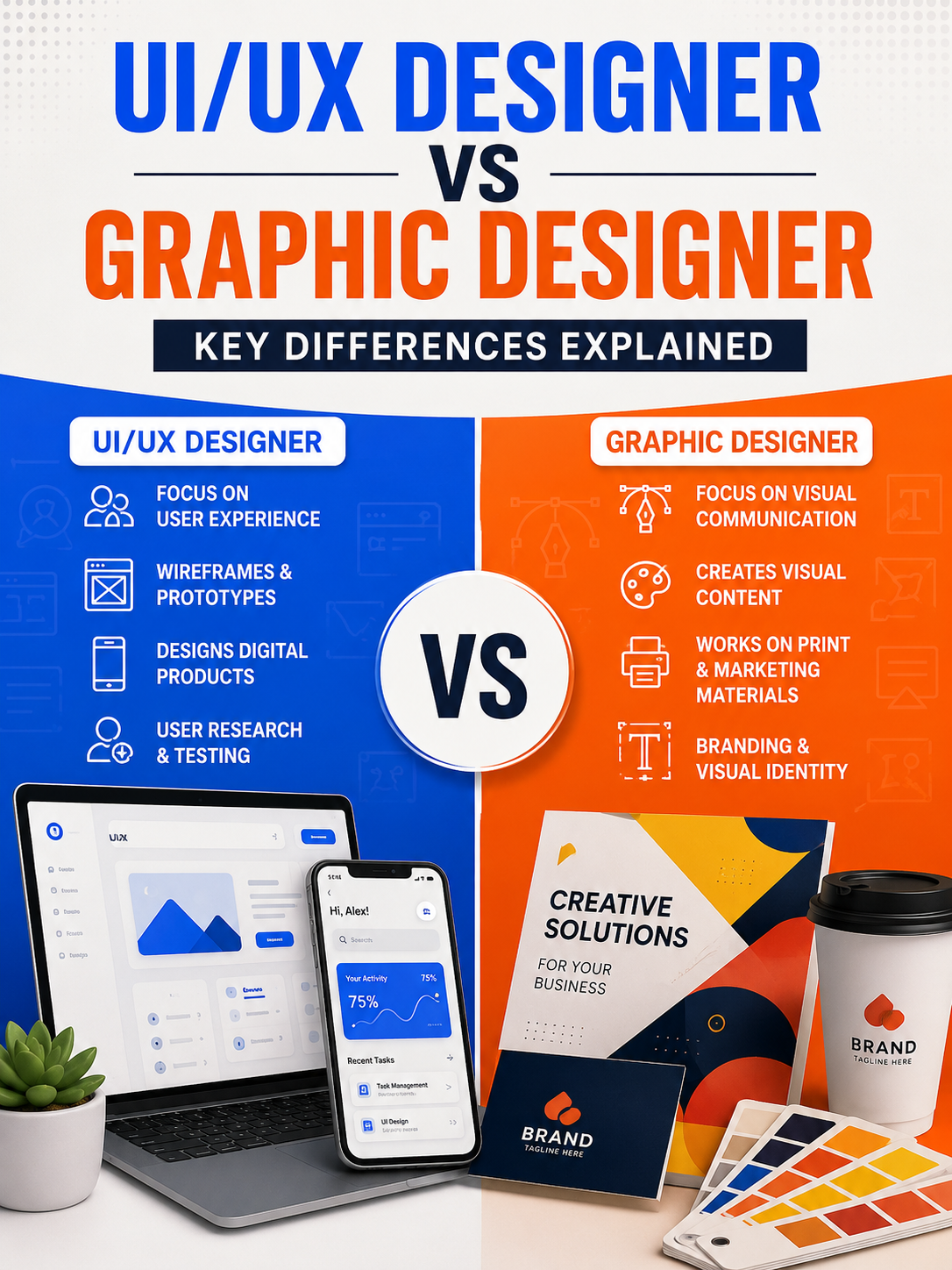
A UI/UX Designer focuses on creating digital products that are both visually appealing and easy to use.
UX (User Experience) Design
UX Design is concerned with how users interact with a product. UX designers research user behavior, identify pain points, and design solutions that improve the overall experience.
Key Responsibilities:
-
Conducting user research
-
Creating user personas
-
Designing user journeys and workflows
-
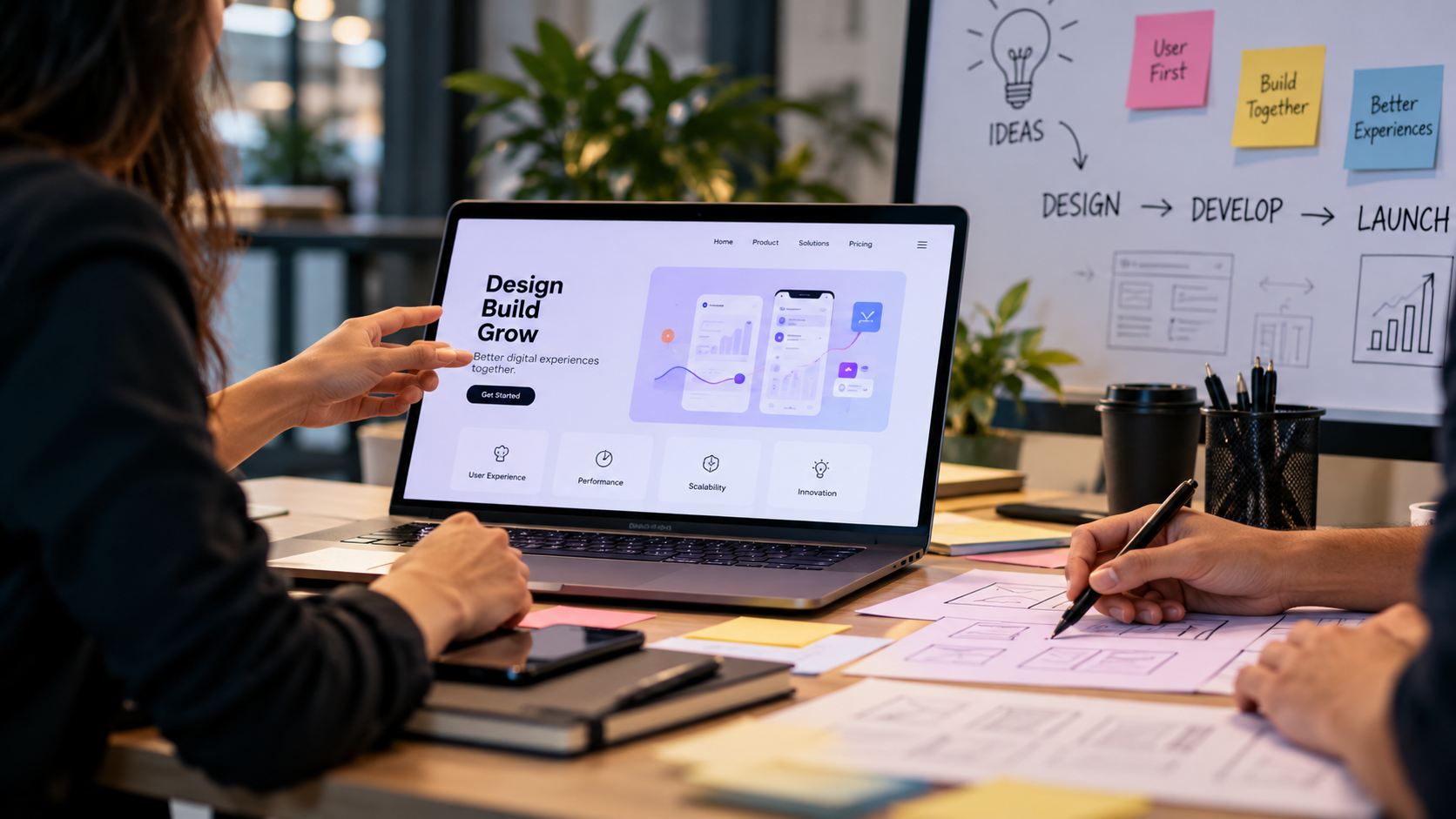
Building wireframes and prototypes
-
Performing usability testing
UI (User Interface) Design
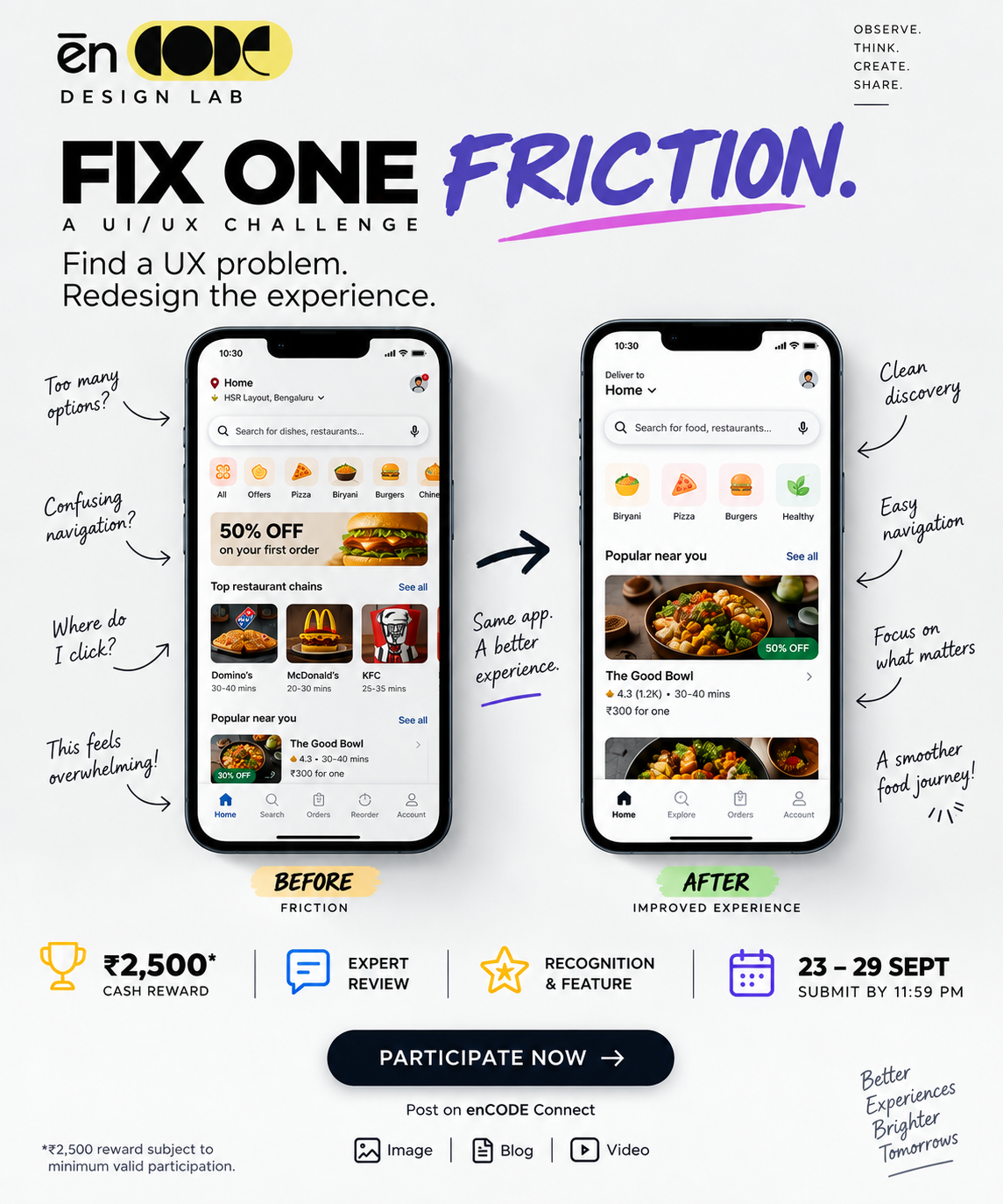
UI Design focuses on the visual elements of a digital product, such as buttons, layouts, colors, typography, and icons.
Key Responsibilities:
-
Designing interfaces for websites and mobile apps
-
Creating design systems
-
Ensuring visual consistency
-
Designing interactive elements
Goal of UI/UX Design
The primary goal is to create user-friendly, efficient, and enjoyable digital experiences that help users achieve their objectives smoothly.
What is a Graphic Designer?
A Graphic Designer focuses on visual communication and brand representation. Their work is primarily centered around creating visual assets that communicate messages effectively.
Key Responsibilities:
-
Designing logos and brand identities
-
Creating marketing materials
-
Designing social media graphics
-
Producing brochures, posters, and banners
-
Developing packaging designs
Graphic designers use typography, color theory, imagery, and layout principles to create visually appealing content that captures attention and conveys information.
Goal of Graphic Design
The primary goal is to communicate a message visually and strengthen brand identity through creative design.
Major Differences Between UI/UX Designers and Graphic Designers
AspectUI/UX DesignerGraphic DesignerFocusUser experience and interface designVisual communication and brandingPrimary ObjectiveImprove usability and functionalityCreate attractive visual contentWork EnvironmentWebsites, apps, software productsPrint media, marketing, advertisingResearch InvolvementExtensive user research and testingLimited research, more creative executionUser InteractionDirectly designs for user interactionPrimarily designs for visual impactDeliverablesWireframes, prototypes, user flows, interfacesLogos, posters, brochures, social media graphicsTools UsedFigma, Adobe XD, Sketch, InVisionPhotoshop, Illustrator, InDesign
Skills Required
UI/UX Designer Skills
-
User research
-
Wireframing and prototyping
-
Interaction design
-
Information architecture
-
Usability testing
-
Problem-solving
-
Design thinking
Graphic Designer Skills
-
Typography
-
Branding
-
Visual storytelling
-
Color theory
-
Layout design
-
Illustration
-
Creativity and artistic skills
Which Career Should You Choose?
Choose UI/UX Design if:
-
You enjoy solving problems.
-
You are interested in technology and digital products.
-
You like understanding user behavior.
-
You want to work on websites, apps, and software products.
Choose Graphic Design if:
-
You enjoy visual creativity and artistic expression.
-
You are passionate about branding and advertising.
-
You like creating marketing and promotional materials.
-
You enjoy working with illustrations and visual storytelling.
Conclusion
Although UI/UX Designers and Graphic Designers share some design principles, they serve different purposes. Graphic Designers focus on creating visually compelling content that communicates a brand's message, while UI/UX Designers focus on designing digital experiences that are intuitive, functional, and user-centered.
As businesses increasingly invest in digital products, both professions continue to be in high demand. Understanding their differences can help individuals choose the right career path and organizations hire the right talent for their design needs.